 CLion__56c2c3fd9fb76.png
CLion

These pages will help you learn about the features available in CLion, a cross-platform C/C++ IDE. Visit the Docs & Demos section for more learning resources, and download the product to try it in action.
CLion__56c2c3fd9fb76.png
Description
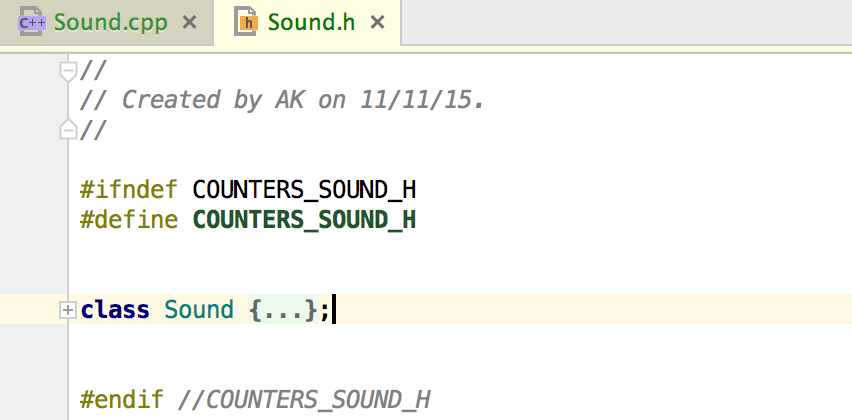
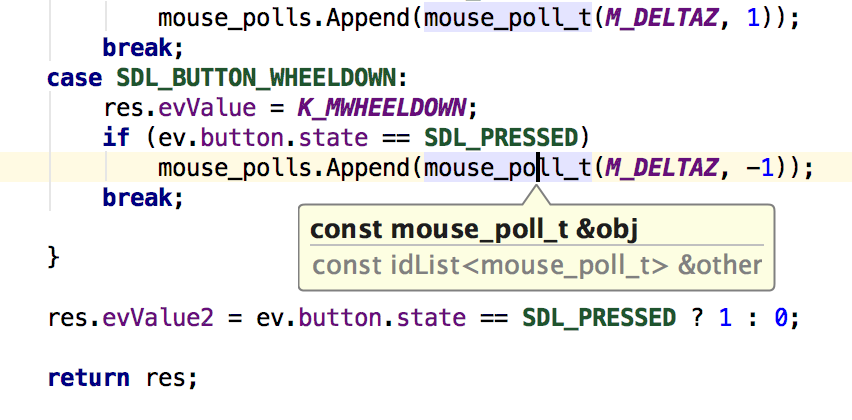

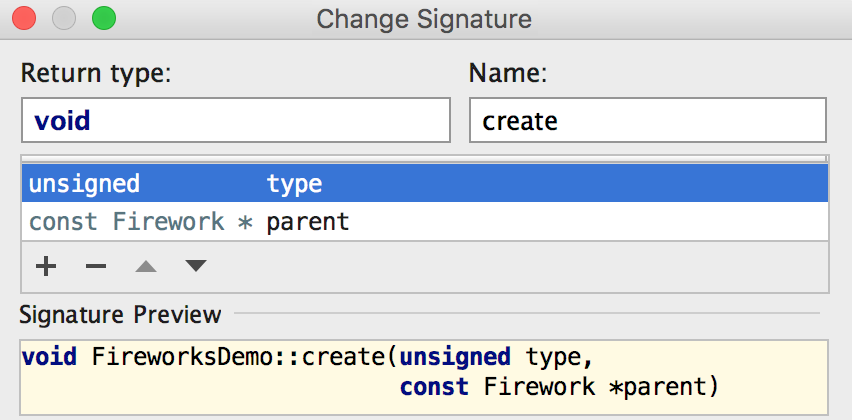
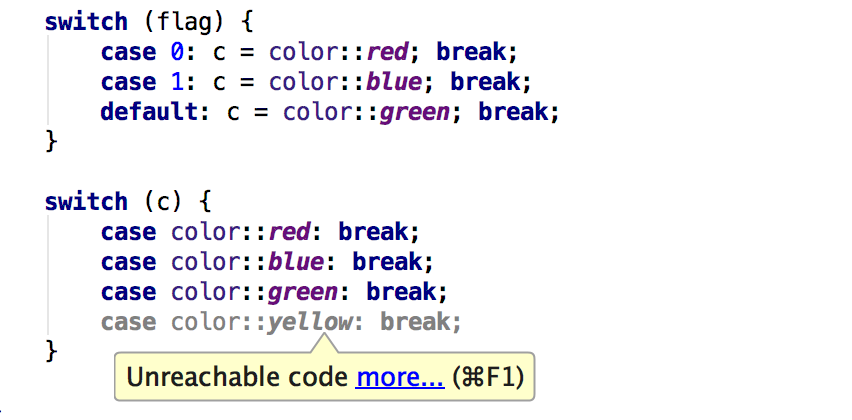
Intelligent coding assistance
Trust CLion to take care of the routine while you focus on the important things. Knowing your code
through and through, it can boost your productivity with smart and relevant code completion, instant
navigation and reliable refactorings.
Easy start
It’s surprisingly easy to start your CMake-based project in CLion, and files can be added to the project
in one click. If you use a different type of project, the IDE will help you import to to CMake.
Smart editor
With an IDE that analyzes the context and understands your project, you can code faster than you think.
Try smart completion, formatting and helpful views with code insight.
Navigation & Search
Find your way through the code with instant navigation to a symbol, class or file. Inspect the calls or types
hierarchy and easily search everywhere for nearly everything (including IDE settings).
Code generation & refactorings
Save time on unnecessary typing while CLion generates code for you: from getters/setters to more complicated
templates. Use refactorings to improve and clean up your code at the speed of thought.
On-the-fly code analysis
Write beautiful and correct code with CLion. Static analysis (including DFA) for all supported languages
highlights warnings and errors in the code immediately as you type and suggests quick-fixes.
Editor customization
Select one of the default editor themes or customize them to match your personal preferences. Adopt the
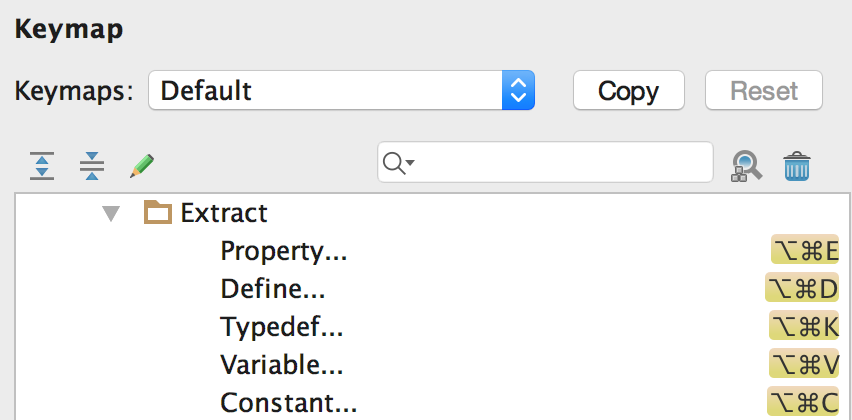
keyboard-centric approach and select a keymap you prefer the most, or create your own easily.
Built-in tools and integrations
CLion is more than just an editor as it offers intelligent CMake support, a powerful debugger to investigate
and solve problems with ease, built-in Google Test for unit testing, many popular VCS supported out of the
box and more.
Run and Debug
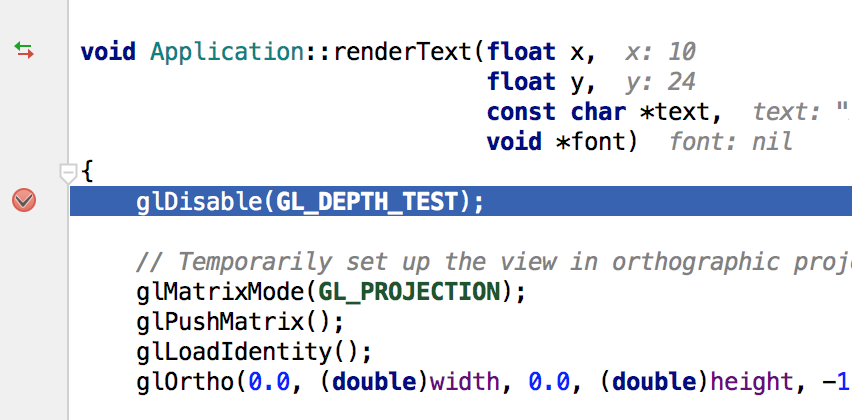
Run and debug your projects in CLion easily. Use the debugger UI with GDB or LLDB (on OS X) as a backend.
CLion will show values right in the editor and help you evaluate expressions.
CMake support
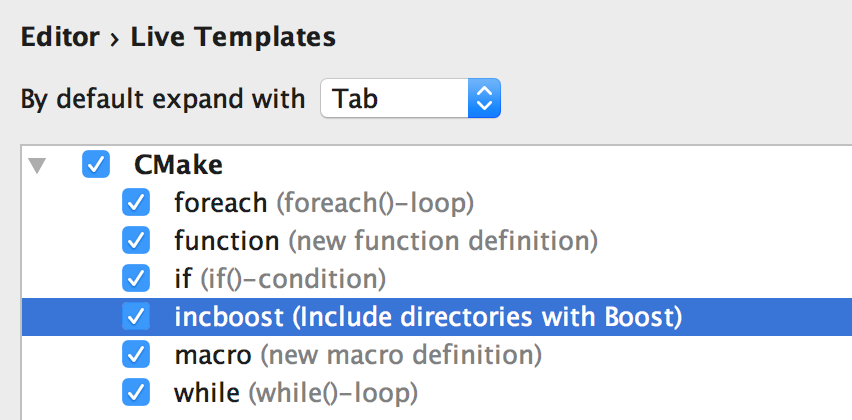
CMake is a famous cross-platform build system, widely used for C and C++ projects. Benefit from the CLion’s
smart CMake support with code generation and automatic reload.
Unit testing
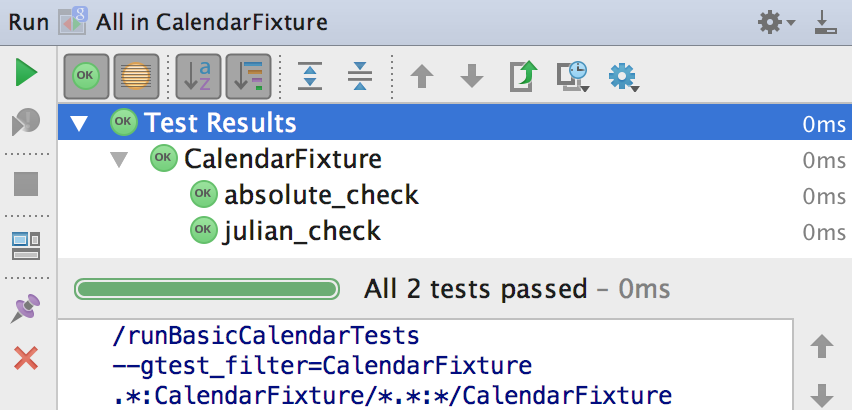
CLion supports the Google Test framework and provides a built-in test runner together with a powerful UI to
investigate test results. It can even generate code for you as you write tests.
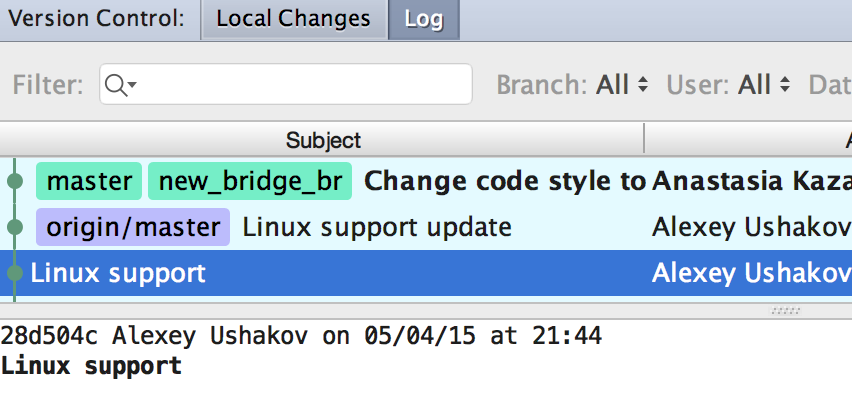
VCS integration and local history
CLion provides a unified interface for most popular VCS including Subversion, Git, GitHub, Mercurial, CVS,
Perforce, and TFS. Meanwhile, local history will save you from unexpected accidents.
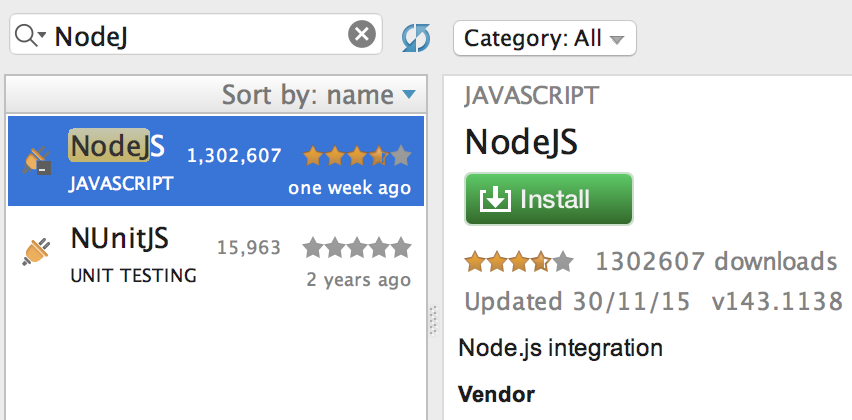
Terminal, Vim mode and others
Access the command line through the built-in terminal, switch on Vim-emulation mode together with the Vim
key bindings, or expand the IDE’s functionality with other various plugins.
Many languages—one IDE
While CLion is designed for developing in C and C++, it also provides essential support for CMake language,
many web technologies (like JavaScript, XML, HTML and others), YAML, and others, available via bundled or
repository plugins.